AI security assistant
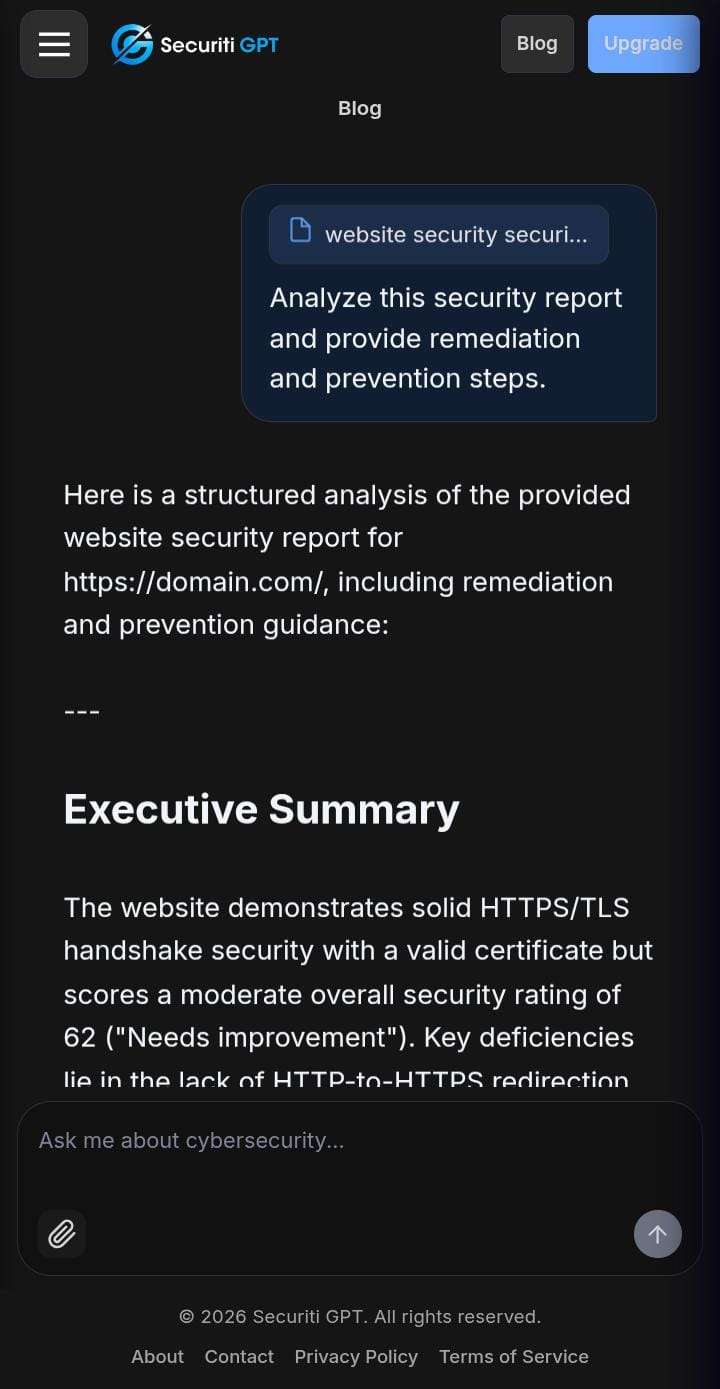
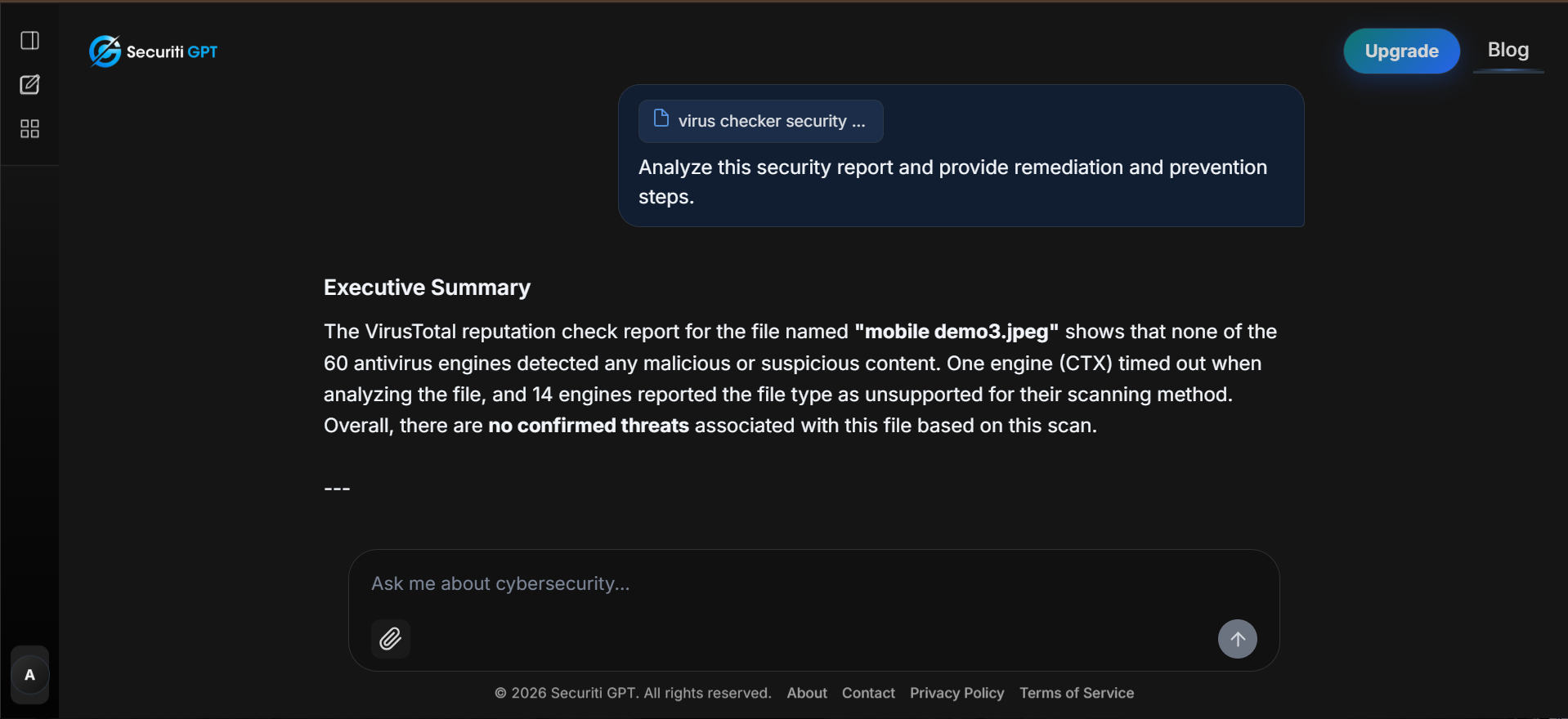
Discuss security concepts and get contextual help through the built-in AI chat.

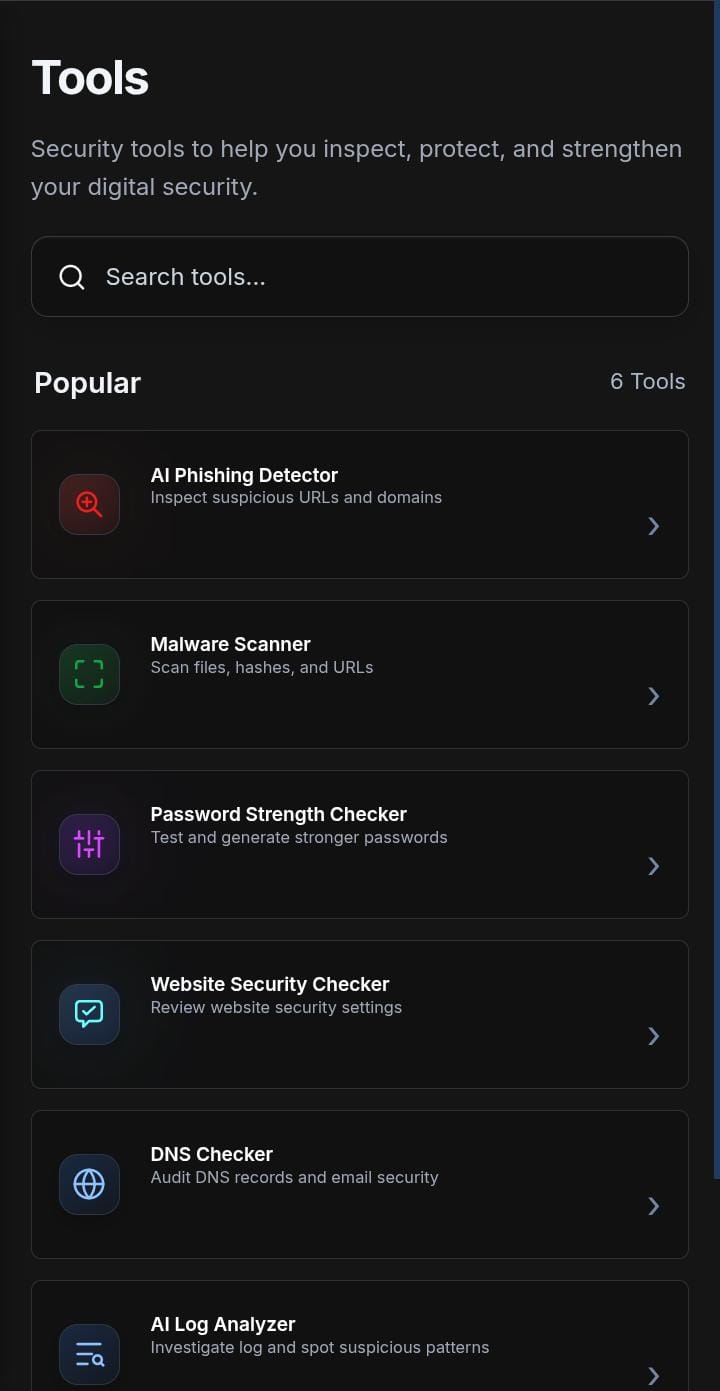
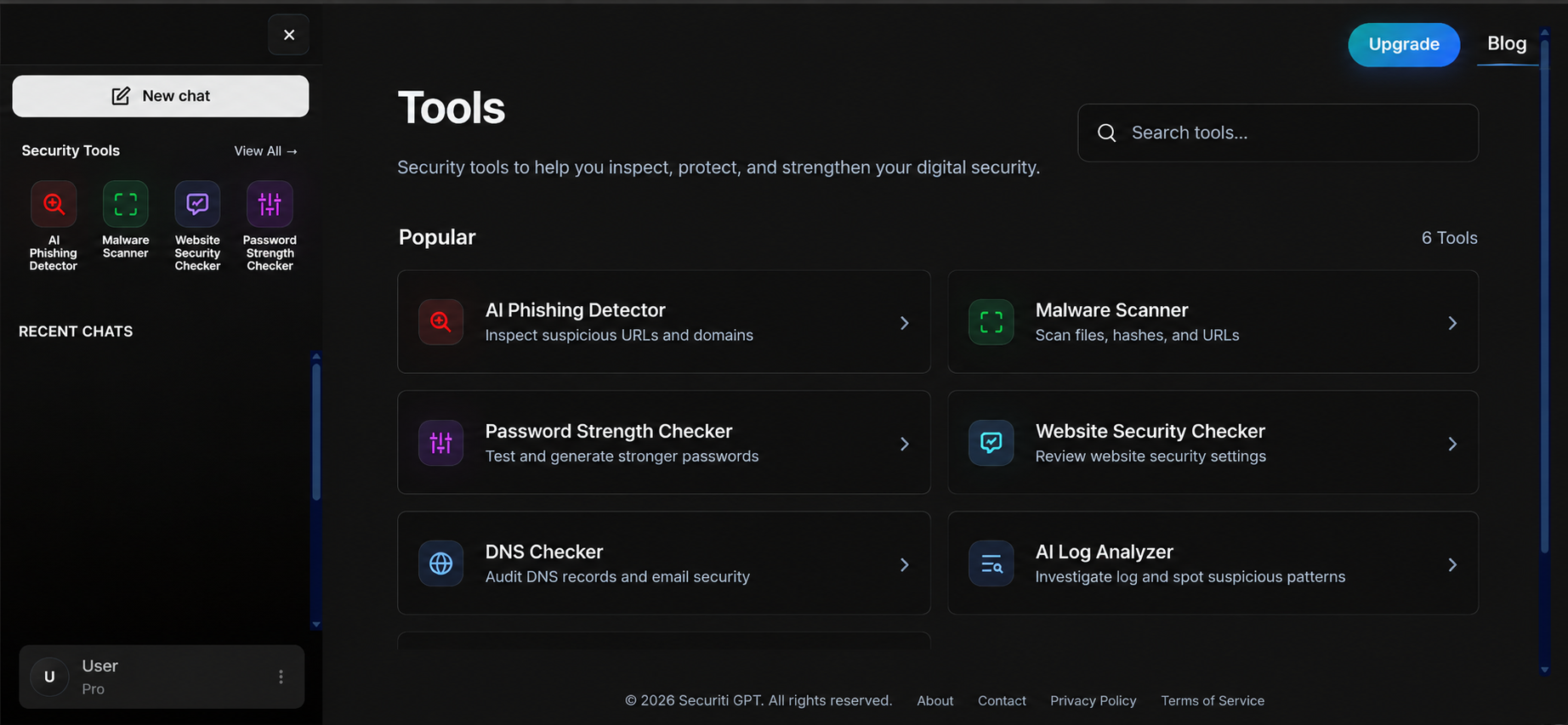
Ask security questions, check suspicious links, review security signals, and investigate logs with a focused set of tools built into the SecuritiGPT workspace.
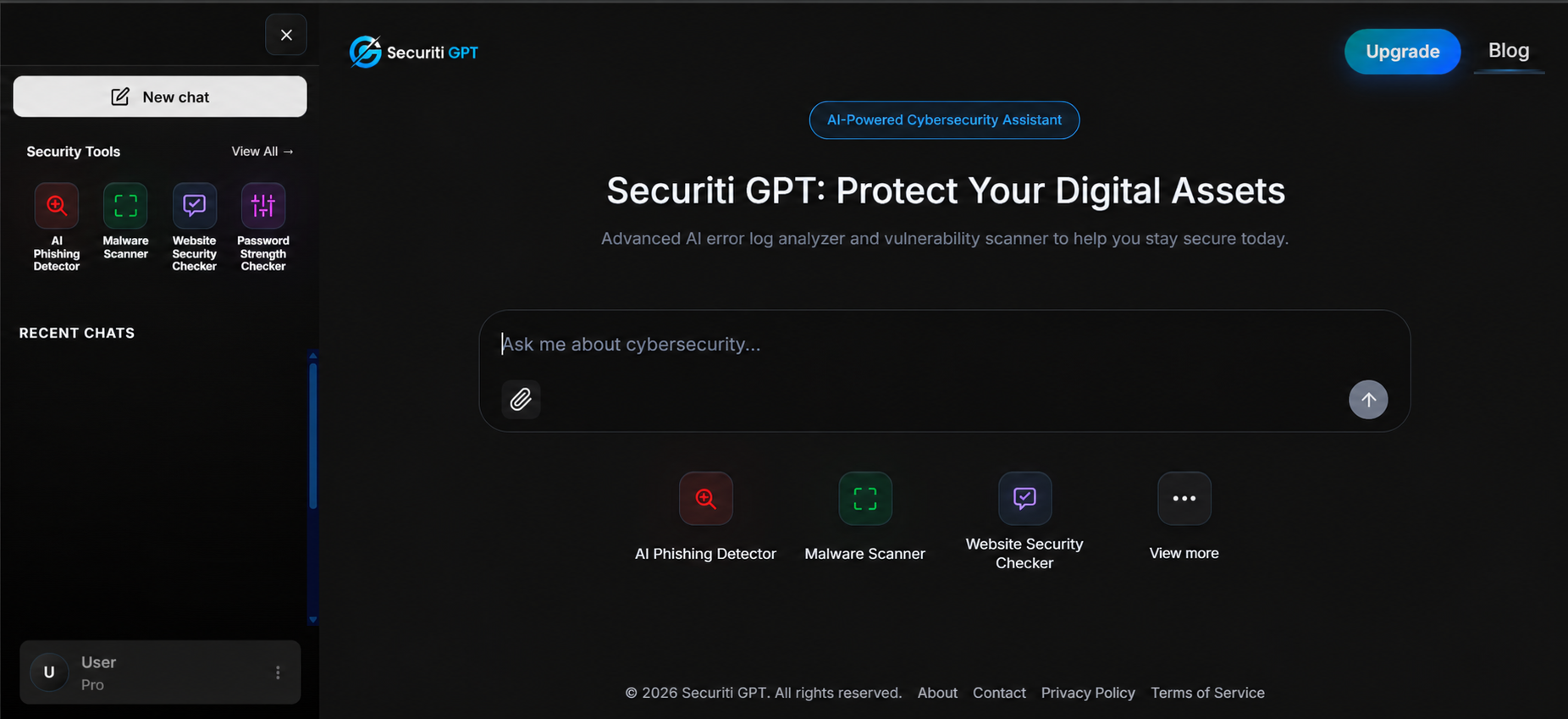
Choose the tool for the question you need to answer. Results and availability depend on the selected tool and its configured data source.
Discuss security concepts and get contextual help through the built-in AI chat.
Review suspicious URLs and check email addresses against supported threat or breach data sources.
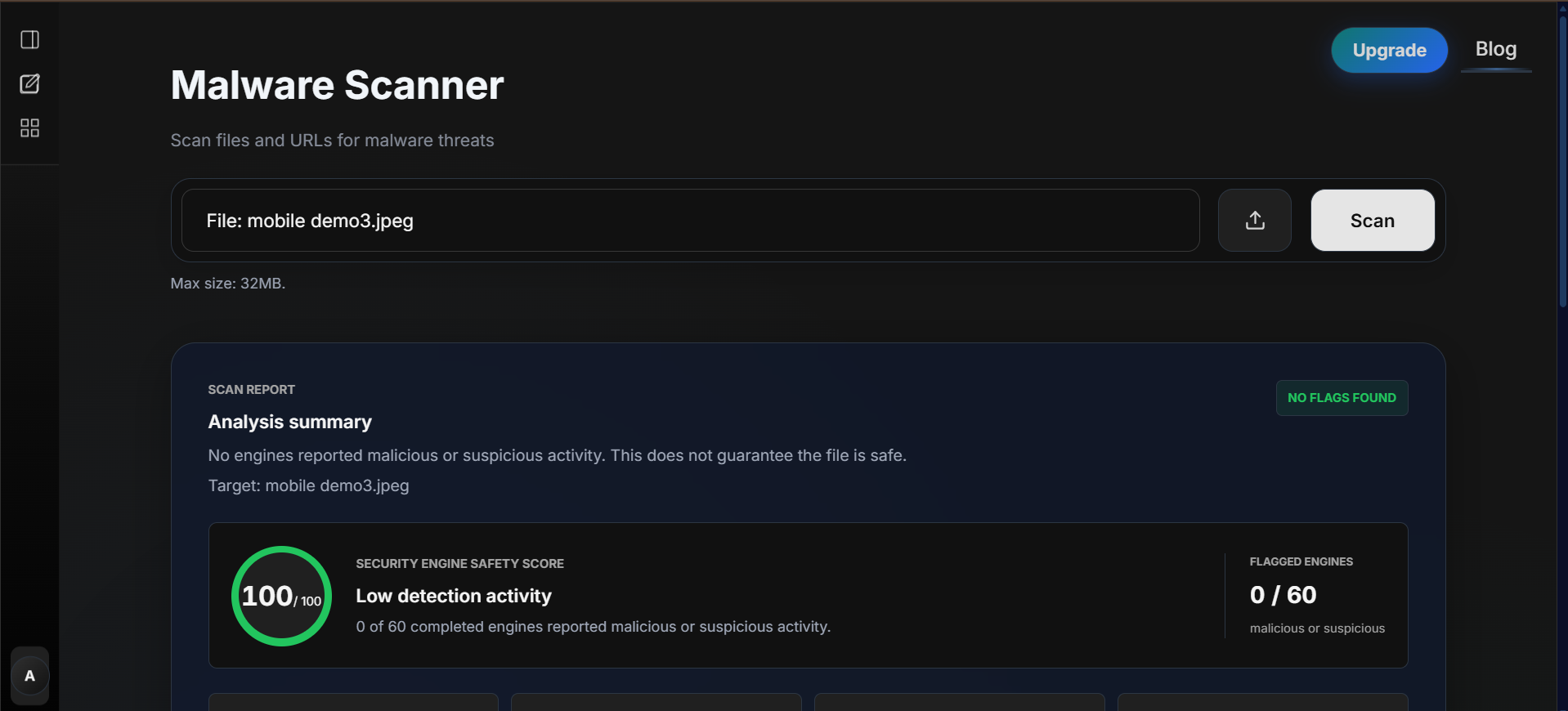
Submit files for the available scanner checks and inspect the evidence returned by configured engines.
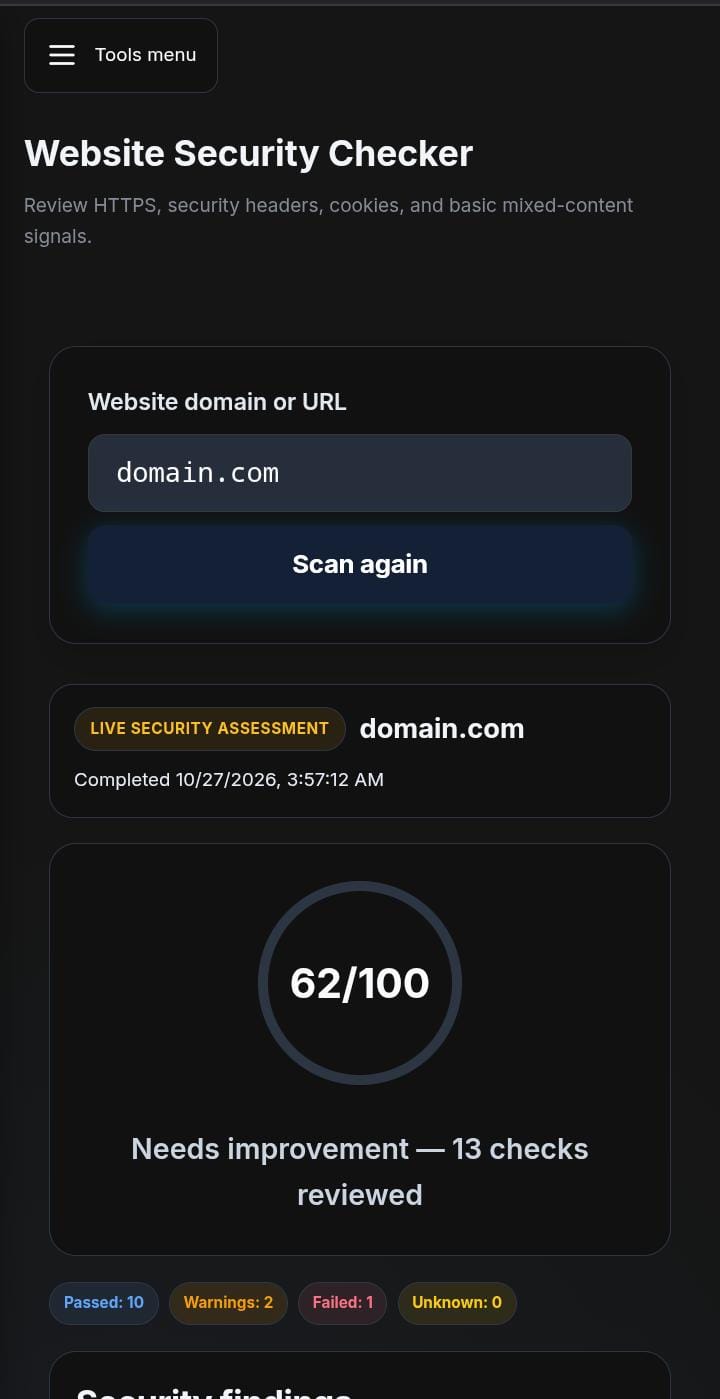
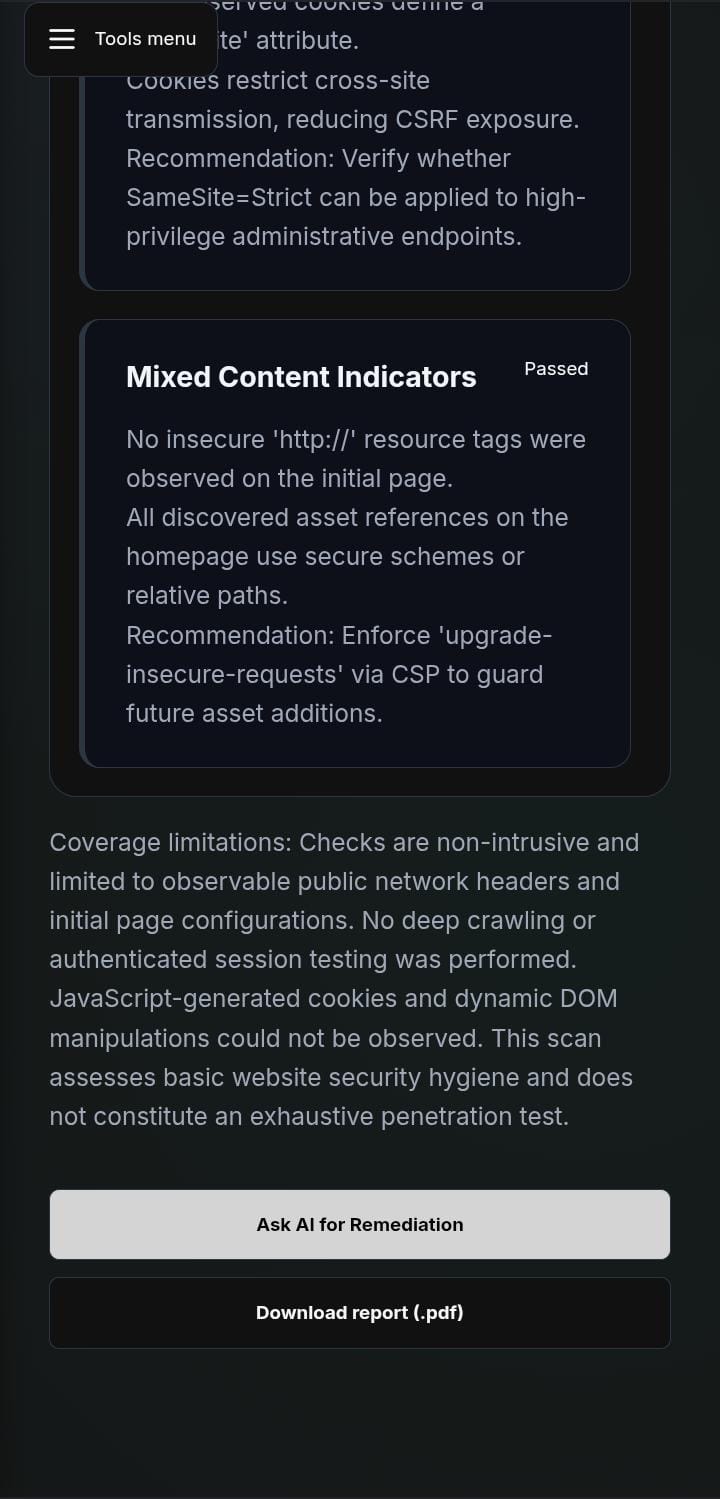
Review DNS records and supported website security signals for domains you are permitted to assess.
Upload supported log files to identify noteworthy events and organize findings for review.
Check password strength locally and create stronger password suggestions using the available tools.
From quick URL checks to malware review and live AI guidance, the same workflow is designed to stay readable and quick on mobile screens without losing clarity.
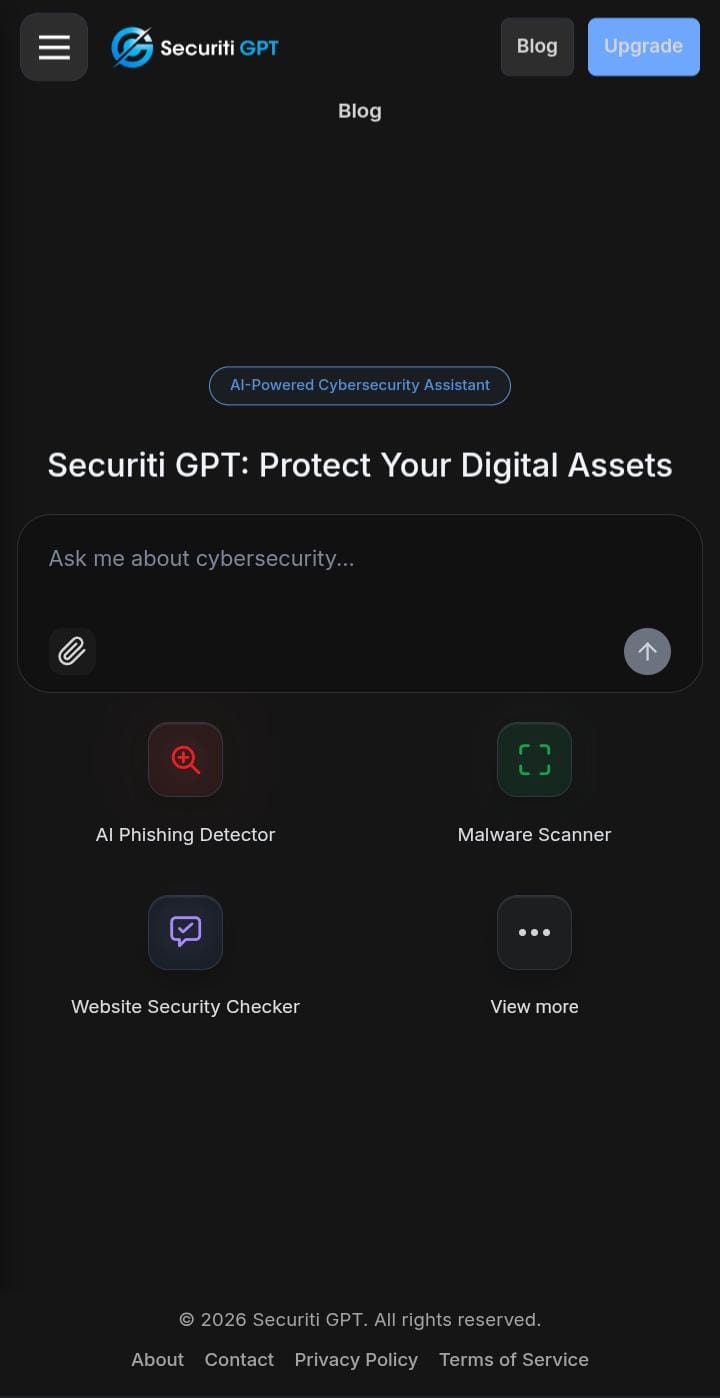
SecuritiGPT brings security checks into a single workspace; it does not replace an authorized security assessment or your own validation.
Only check domains, systems, files, and data that you own or have permission to assess.
Tool outputs and AI guidance can be incomplete. Validate important findings before relying on them.
The current product provides individual security tools and AI assistance; it does not autonomously run a penetration test or execute commands on your machine.
Create an account to use the free plan, or compare plan limits before choosing.